How to Stay Safe on Public Wi-Fi While Traveling
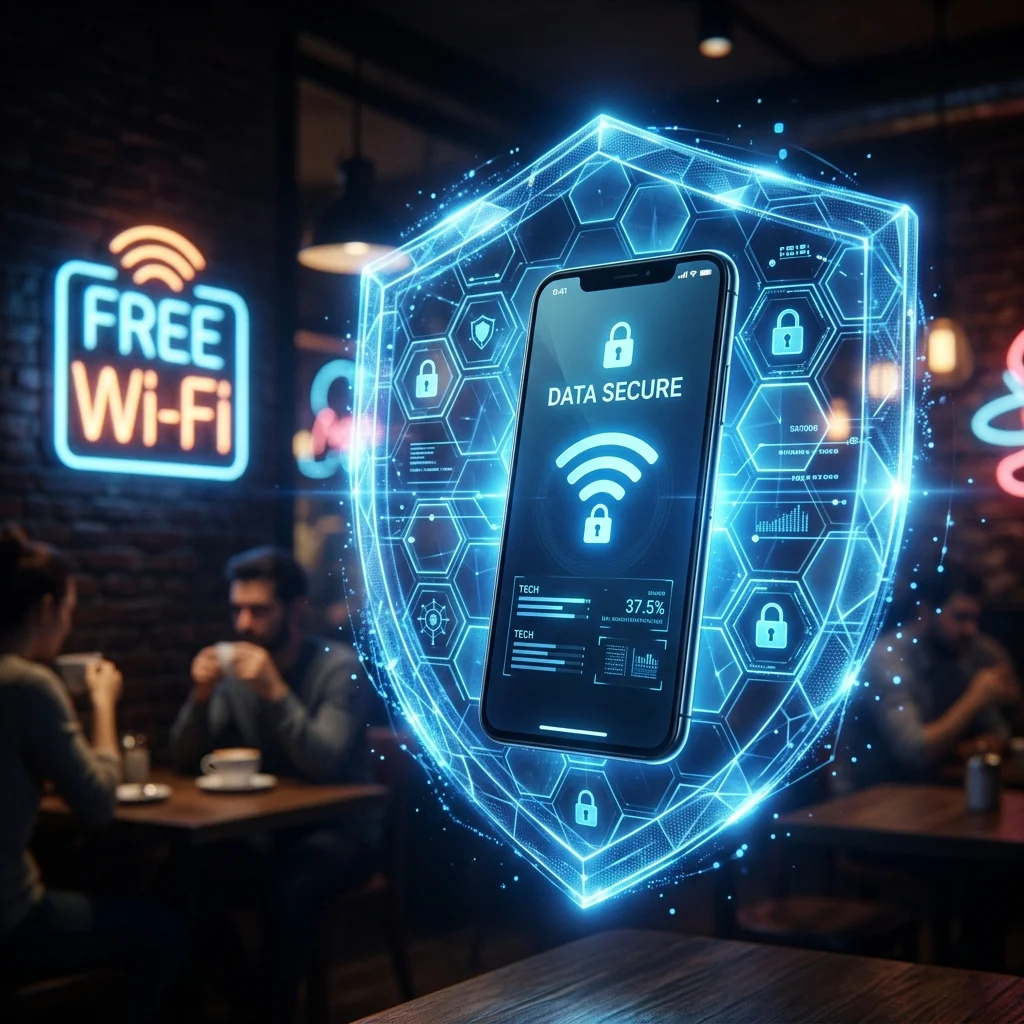
Free Wi-Fi in airports, hotels, and cafés is convenient — and a favorite hunting ground for data thieves. A few habits keep you safe without giving up connectivity.
Why public Wi-Fi is risky
Open networks often lack encryption, so others on the same network can potentially intercept what you send. Fake "lookalike" hotspots are a common trick to capture logins and payment details.
Protect yourself
- Use a VPN to encrypt your traffic, so even an open network can't read it.
- Avoid sensitive tasks — banking, shopping — on public Wi-Fi unless you're on a VPN.
- Confirm the real network name with staff before connecting; don't trust lookalikes.
- Turn off auto-connect so your phone doesn't silently join unknown networks.
- Keep your apps and OS updated for the latest security patches.
The safer alternative: your own data
The most reliable protection is not needing public Wi-Fi at all. A travel eSIM gives you your own secure mobile data from the moment you land, so you can skip sketchy networks for anything sensitive. It also keeps you reachable — Travan pairs that data with calling on your real number, so you're secure and connected. New to eSIMs? See How Does an eSIM Work?.
The bottom line
Use a VPN when you must use public Wi-Fi, avoid sensitive tasks on open networks, and lean on your own eSIM data whenever possible. Small habits, big protection.
Ready to Stay Connected on Your Next Trip?
Get instant eSIM data and international calling in 200+ countries with Travan — no roaming fees, no SIM swaps, no surprises.
Browse Travan Plans